I have the lastest BittBoy for 2 weeks now and I loved it!
🤖💜🕹️
It is really good out of the box but, after playing around with the hardware and software, configuring all settings and emulators, making everything work and modding it a bit, I’ve made this tiny but immensely fun handheld perfect for me.
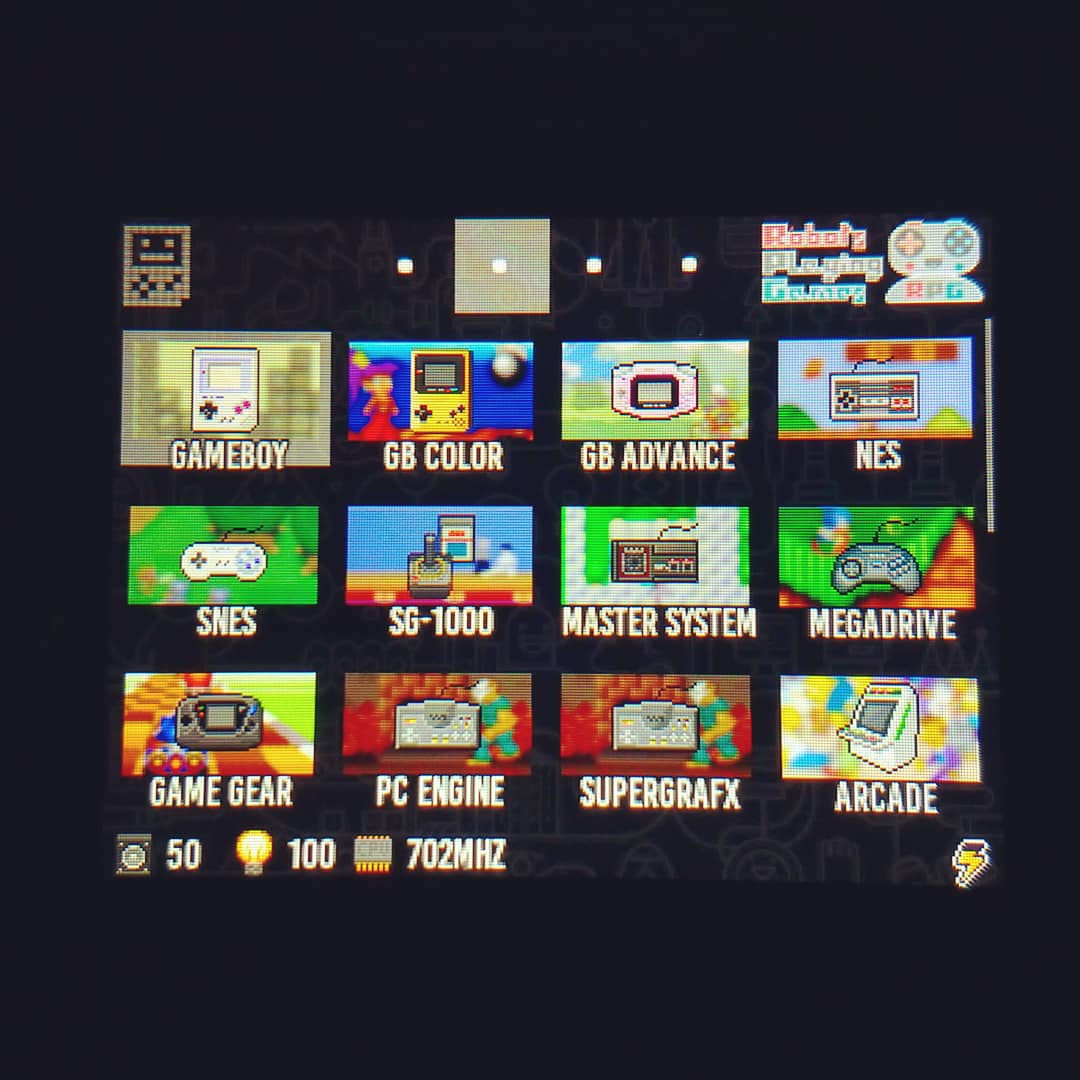
In fact, I was surprised of how much it can be customized. I’m posting 3 photos that show some of the changes I’ve made. The 3rd picture focus on the background to show the pattern, so the icons are too bright. Here are the changes visible on the photos:
🤖 Custom dark wallpaper with gaming artwork, the BittBoy symbol and my own logo
🤖 I added new shortcuts for emulators that were omitted on the original software (Custom Firmware)
🤖 Removed 3 shortcuts: GBA and GB rumble (I’ve also disabled the vibration function to stop the annoying low battery notifications) and 1 Snes emulator that I didn’t like
🤖 Changed many of the icons to identify the systems better
🤖 Changed labels for the same reason
🤖 Finally sorted all emulators, organizing them to my preferences
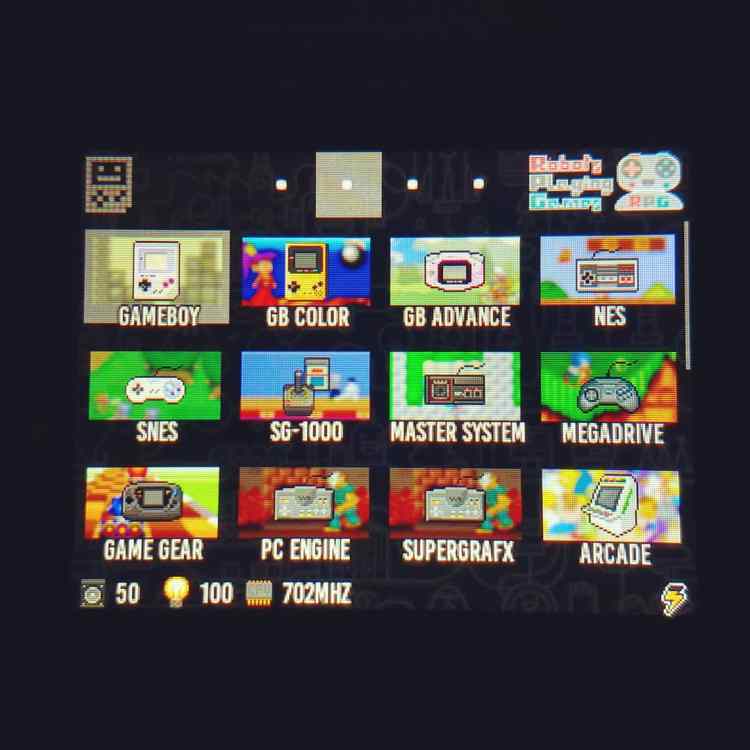


I ended up with my own ultimate BittBoy with 24 systems, custom icons and labels, sorted for my use.
And everyone can have their own ultimate version! Most of the information needed to customize the BittBoy, I found on the very friendly and useful Reddit sub. I even posted a quick guide about disabling the vibration function, info much requested and harder to find on the web.
BittBoy Reddit sub:
https://www.reddit.com/r/Bittboy
Please subscribe to RPG Robots Playing Games!
🤖 Youtube
https://www.youtube.com/channel/UCyQdFv-lqoQ_hC48w9D1hKA
Please Follow Me
🤖 Instagram
https://www.instagram.com/robotsplayi…
🤖 Twitter
https://twitter.com/RobotsPlayGames
🤖 Facebook
https://www.facebook.com/Robots-Playing-Games-109712197312960/

 RPG: Robots Playing Games